
VividGen · Photo to party video
Burning Bridges AI Video
Your photo. The party spotlight.
Step into the Burning Bridges party scene. Upload one clear photo, replace the lead in the fixed clip, and download your video.
The scene you step into
Fixed Burning Bridges clipLoading scene settings…
Watch the reference clip first. Its gestures, camera movement, and framing guide your result.
A real generated example
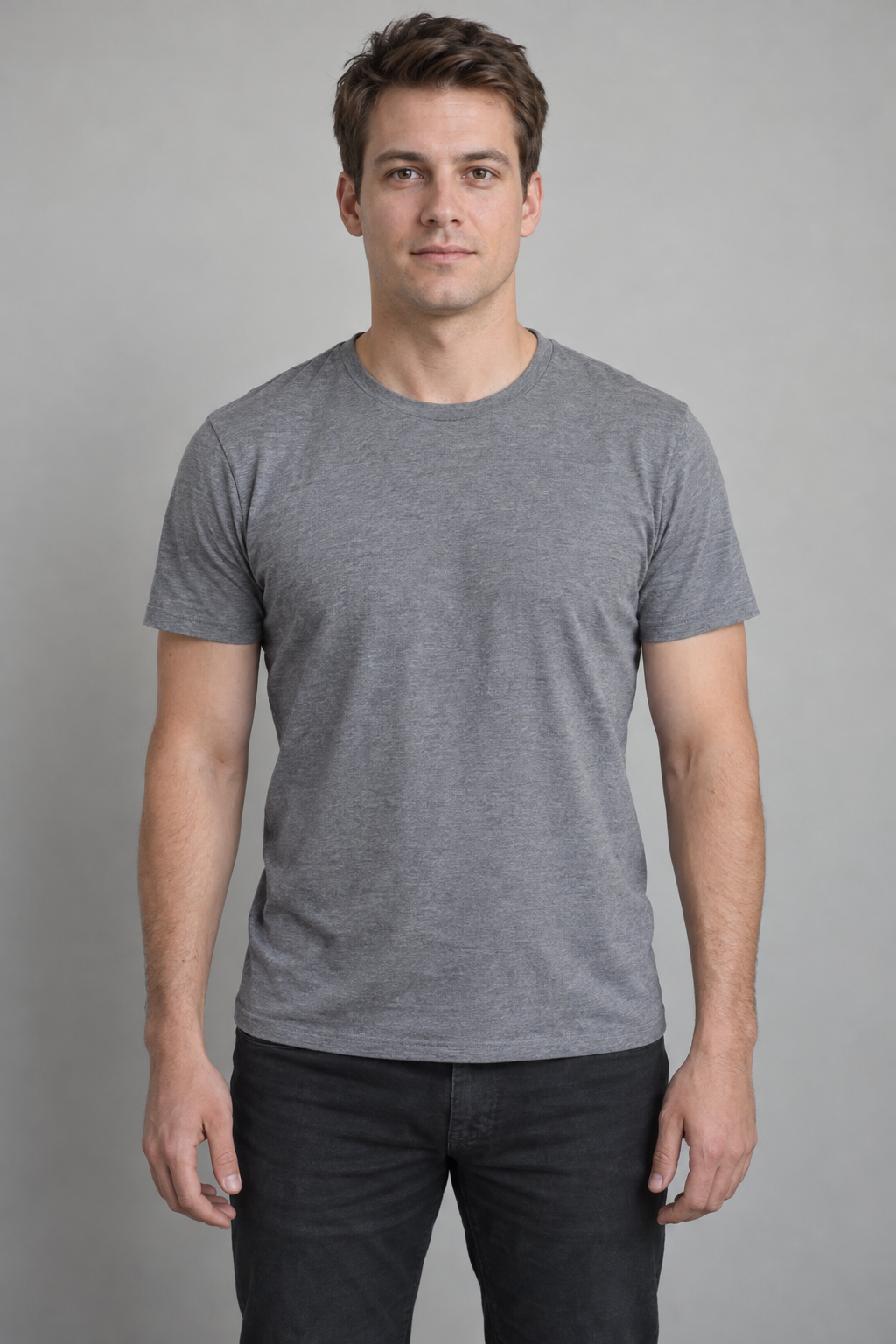
This clip was generated using a fictional, AI-created person’s photo and the fixed reference clip above. Your result may differ in likeness, facial details, and lip movement.
Your videos
Return to this page to check progress and download your finished clip.
Sign in to see your videos and credit balance.
One photo to your party clip
Upload a clear photo
Choose a recent, front-facing photo of one person. Avoid sunglasses, covered faces, and group shots.
Confirm and generate
Check the template and credit cost. Add credits if needed, then confirm your generation.
Preview and download
Check your completed clip, then save the MP4. Your videos stay available in this page’s history.